The Bitdog Remote mobile app allows users to create their own customized mobile dashboards. Users can select widgets to place on dashboard panels and customize how each widgets looks. Each widget type has its own unique capabilities and features.
Switch

The Switch widget will turn a device on and off when clicked. You can change its icon, background color, and title through the widget settings dialog.
Dimmer
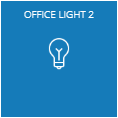
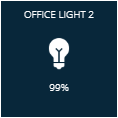
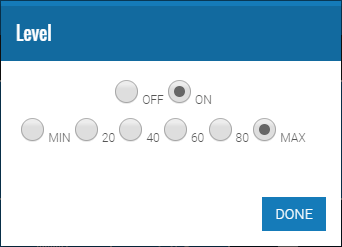
The Dimmer widget can turn a dimmer device on, off, and set a level. To set a level, click the widget to activate its level settings dialog. You can change its icon, background color, and title through the widget settings dialog.
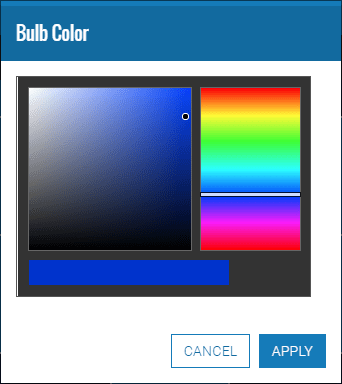
Bulb Color
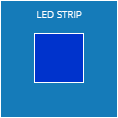
The Bulb Color widget can set a device’s color. To change the color of a device, click the widget to activate its color settings dialog. You can change its background color, and title through the widget settings dialog.
Thermostat
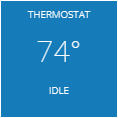
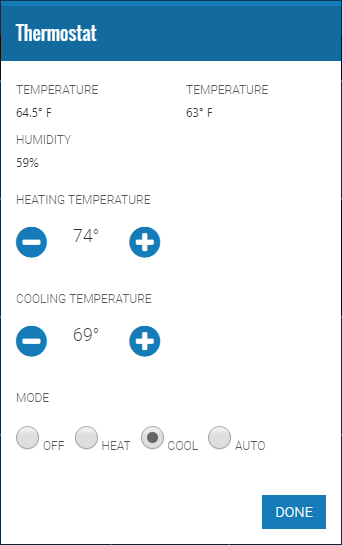
The Thermostat widget is able to set the heating temperature, cooling temperature, and mode of a thermostat device. To change the thermostat settings, click the widget to activate its thermostat settings dialog. You can change its background color, and title through the widget settings dialog.
Sensor
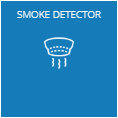
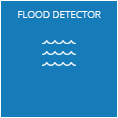
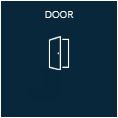
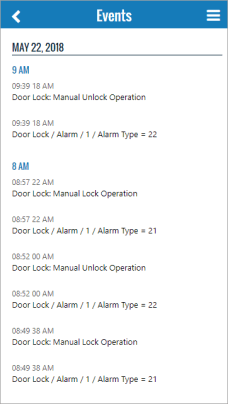
The sensor widget displays the current state of the sensor device. An alarm condition on the sensor will make the widget appear active. Event history of the sensor can be viewed by clicking the widget. You can change its icon, background color, and title through the widget settings dialog.
Window Covering
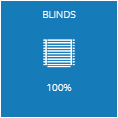
The window covering widget can set the level of a window covering. To set a level, click the widget to activate its level settings dialog. You can change its icon, background color, and title through the widget settings dialog.

Clock
The clock widget displays local time and date. You can change background color, title and disable date display through the widgets settings dialog.
Chart
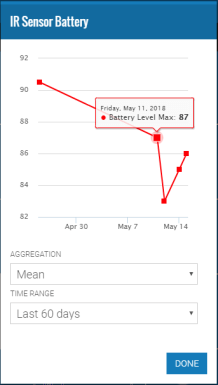
Battery
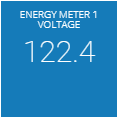
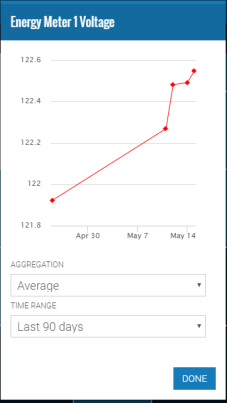
Meter
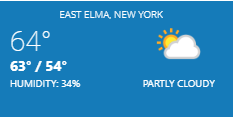
Weather
Security System
Siren
Quick Action
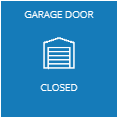
Barrier Operator
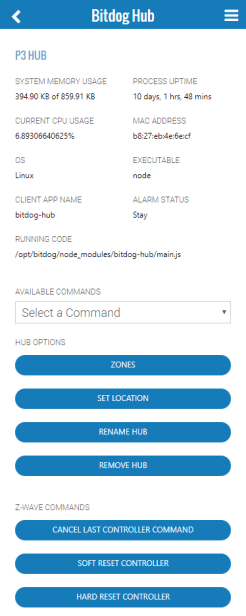
Raspberry Pi Hub Stats
 Bitdog Cookbook